Know the crop
A Reel is vertical, 9:16, but the profile grid shows a shorter rectangle cut from the middle. Keep faces, titles and the product in the centre of the frame, so nothing important is cut off on the profile. After publishing, open your profile on a phone and check how the cover looks there.
Frame or designed cover
A frame from the video
Quick and natural. Choose a sharp frame with open eyes, a clear product, good light.
A designed cover
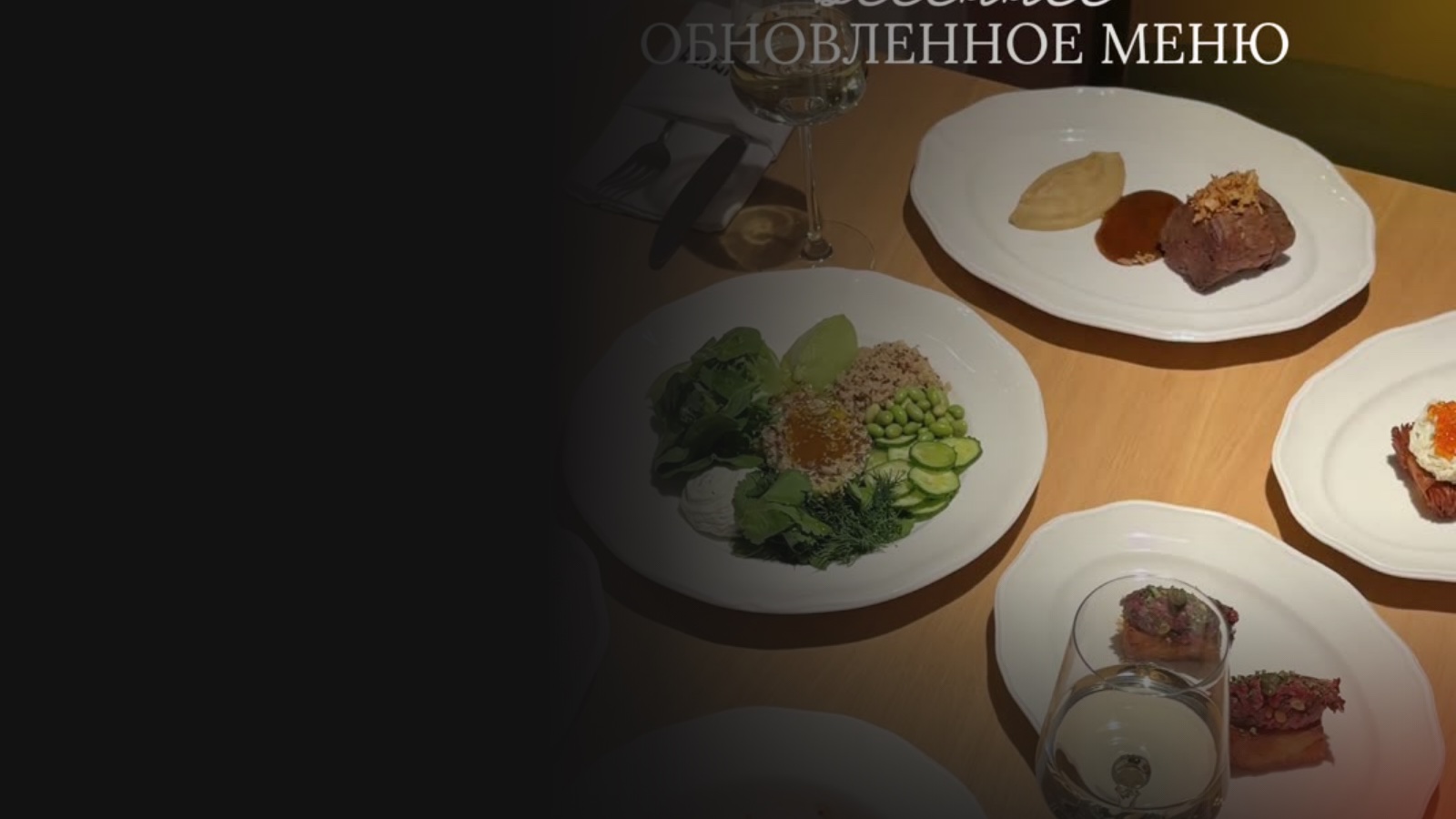
A frame plus a short title in your fonts. Takes more time, but the grid looks organised and topics are easy to find.
Titles on covers
- two to five words, large enough to read in the small grid
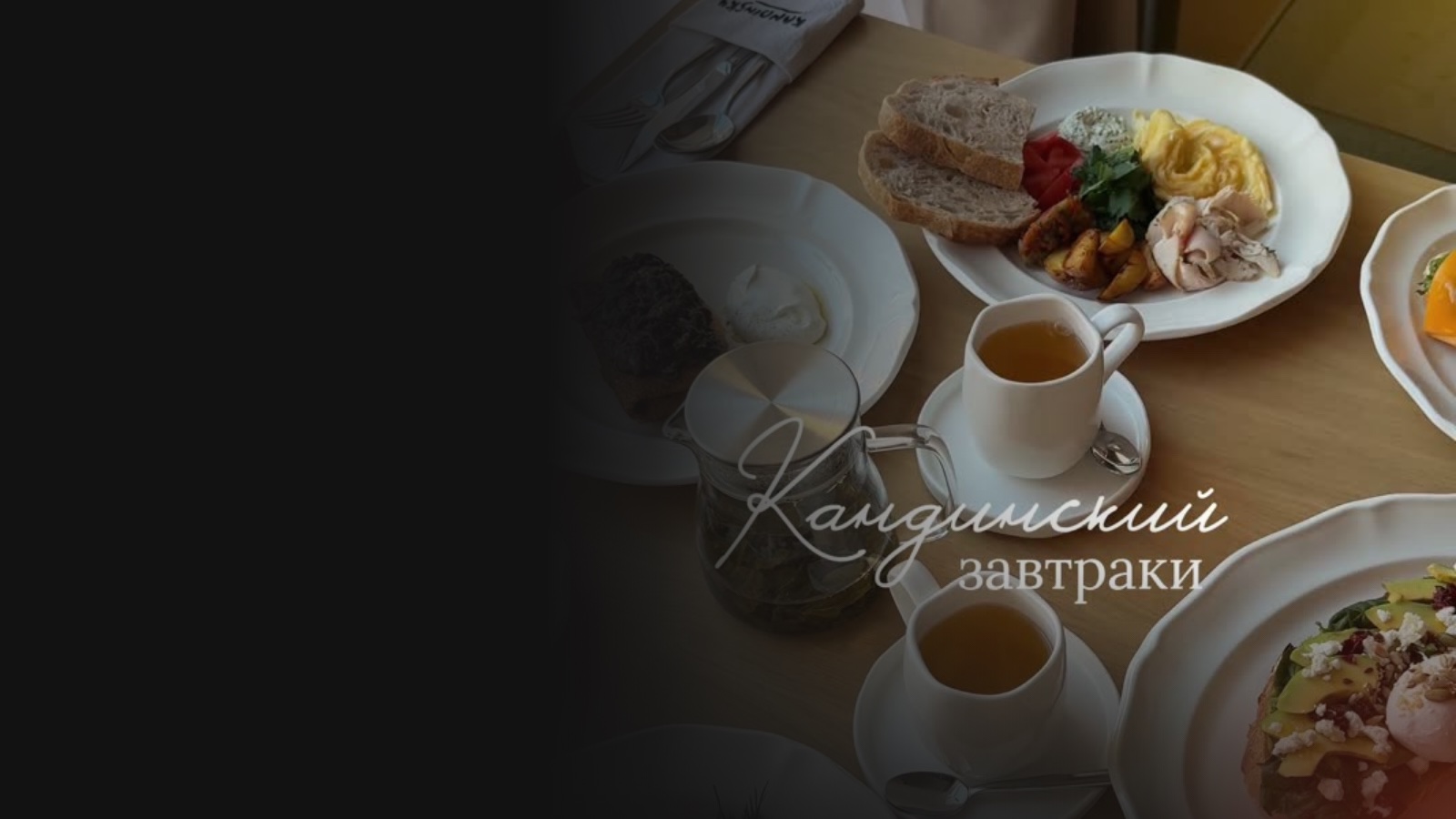
- the topic, not a slogan: “Breakfast menu”, “3 mistakes in Reels”
- the same font, size and position on every cover
- for expert accounts, a title helps people find older useful videos
One style for the grid
- 1
Choose two or three colours
From the brand or the interior. They repeat on titles and plates.
- 2
Alternate formats
Talking videos, product shots, people, details: the grid does not look monotonous.
- 3
Plan ahead
Look at the next few covers together before publishing. A content plan helps: see the restaurant content plan.
Key takeawayKeep important things in the centre for the profile crop, choose sharp frames, add short titles in one style and check the grid on a phone before publishing.
Frequently asked questions
- Can I change a cover after publishing?
- Instagram allows editing the profile cover of a Reel after publishing, but it is easier to choose it carefully at once.
- Should every Reel have a title on the cover?
- Not necessarily. For atmospheric content a clean frame often works better. For expert videos titles help.
- Do you make covers?
- Yes. I can pick frames or make covers in your style together with editing.